 devesh
HAR Analyzer AI
HAR Analyzer AI is a privacy-first Chrome extension that turns raw HTTP Archive (HAR) files into actionable insights about web performance, network failures, and potential issues.
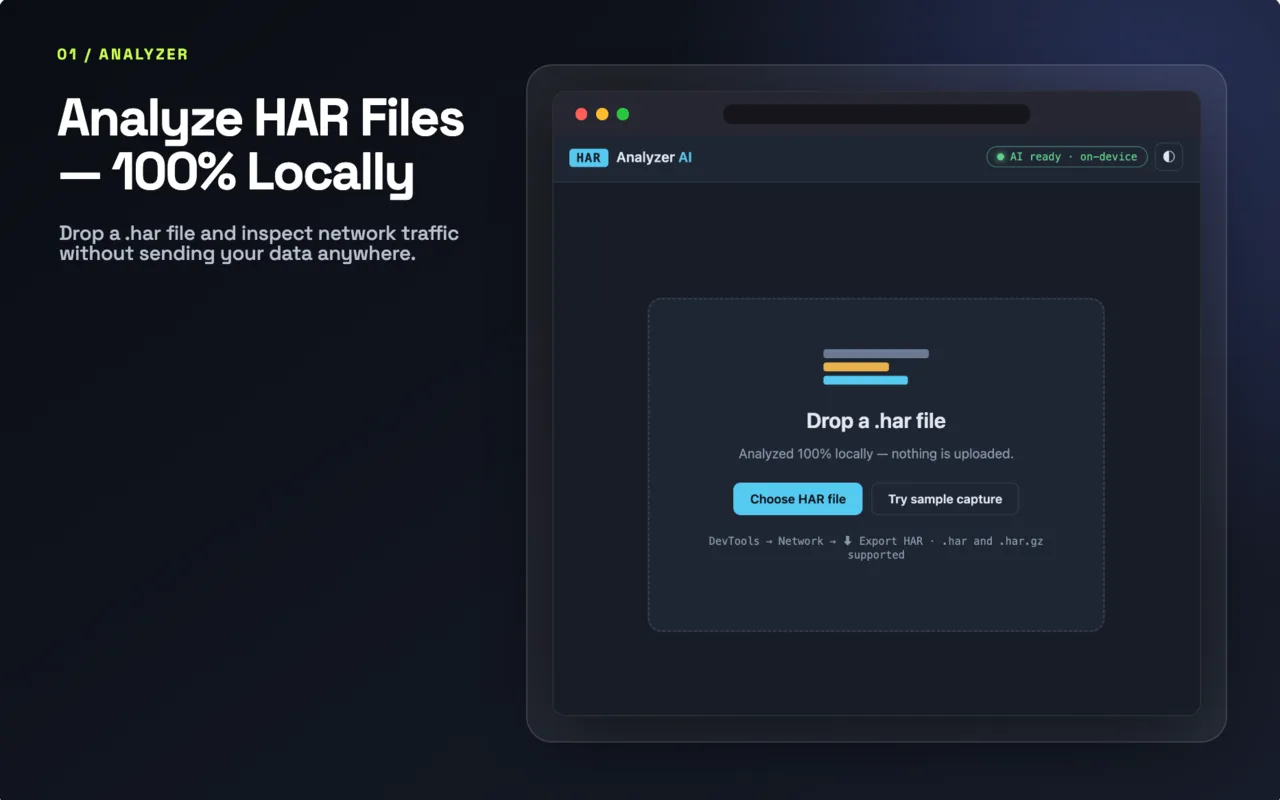
Drop a .har file exported from Chrome DevTools into the extension and get a clear analysis of what is happening across the captured network requests — without uploading the capture to a server.
🔍 Analyze HAR Files Instantly
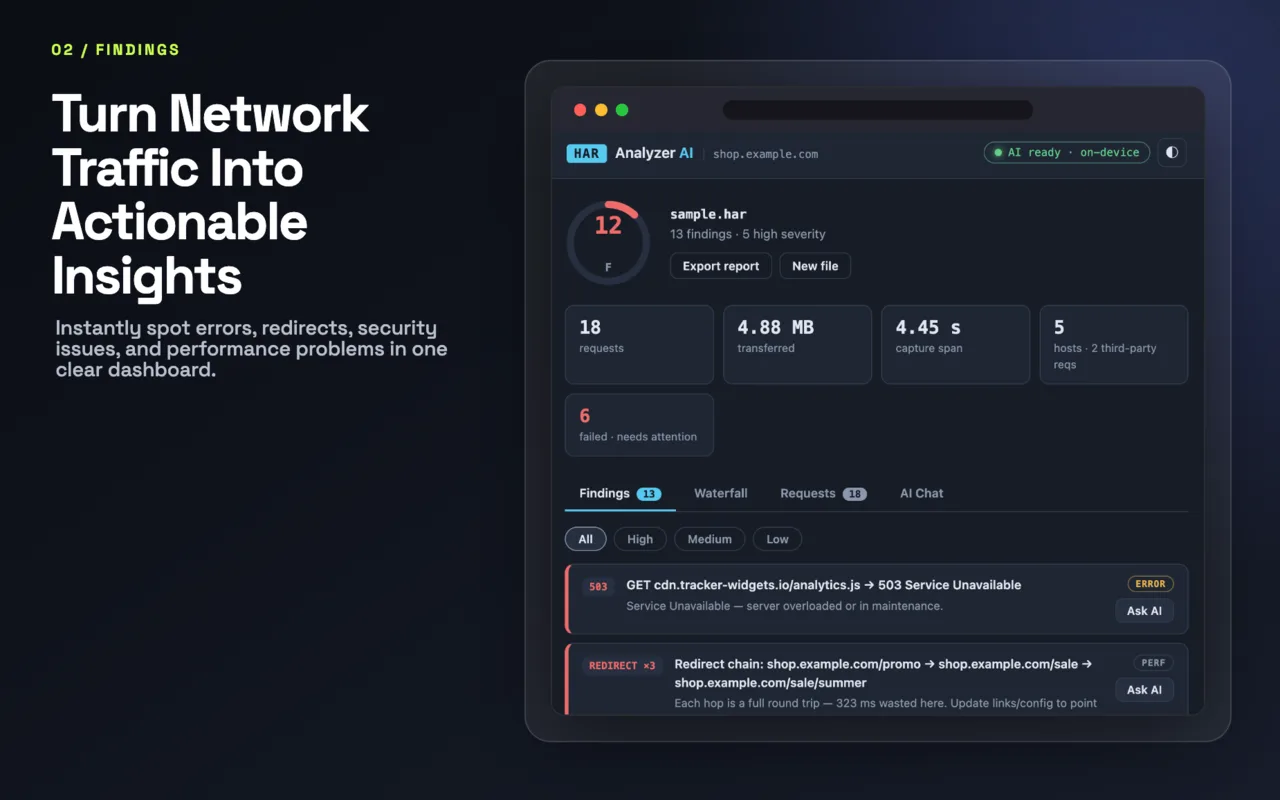
HAR Analyzer AI transforms complex network captures into an easy-to-understand report.
It analyzes your capture using a collection of deterministic detectors covering common performance, reliability, and security-related problems.
Built-in Detectors
HAR Analyzer AI currently checks for:
Failed requests
Redirect chains
Slow timing phases
Oversized transfers
Missing cache headers
Duplicate downloads
Mixed content
Oversized cookies
HTTP/1.1 connection contention
HTTP 429 rate limiting
Third-party request weight
Slow DNS
Additional network health signals
The results are combined into a 0–100 health score with a corresponding letter grade, giving you a quick way to understand the overall health of a network capture.
🤖 On-Device AI
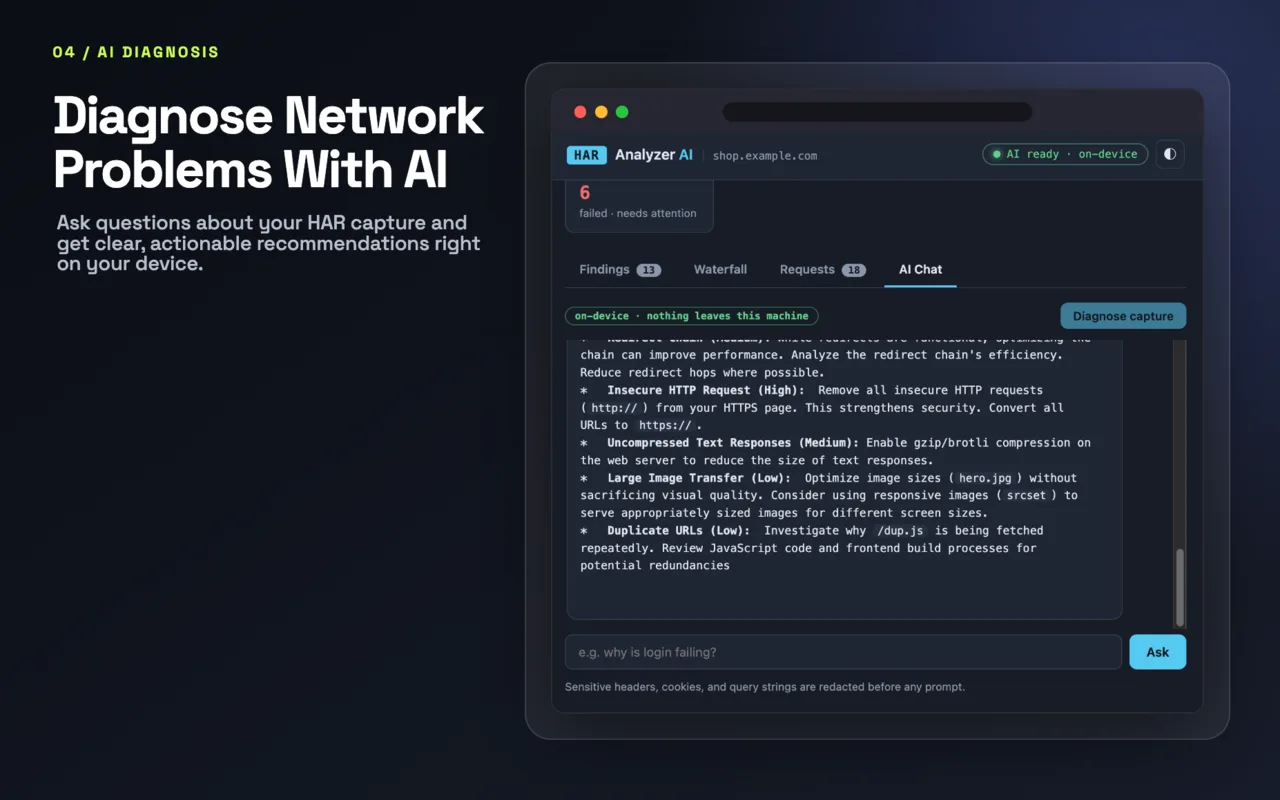
Where supported, HAR Analyzer AI can use Gemini Nano, Chrome's built-in on-device AI, to explain findings in plain English.
Instead of manually interpreting dozens of network requests, you can ask questions such as:
Why is checkout slow?
or:
Why is login failing?
The local AI can use the analyzed capture to provide contextual explanations and help identify likely causes.
🔒 Privacy by Design
HAR files can contain extremely sensitive information, including cookies, authorization data, request payloads, and other network details.
That's why HAR Analyzer AI is designed around a local-first architecture.
Your HAR data is analyzed on your device and is not uploaded to a remote server.
Your network capture stays on your machine.
The extension does not require sending your HAR file to a cloud-based AI service just to understand what's inside it.
🧠 AI When Available. Rules When Needed.
On-device AI availability can vary between systems and browser configurations.
HAR Analyzer AI is designed to remain useful even when Gemini Nano isn't available.
When on-device AI cannot be used, the extension automatically falls back to deterministic rule-based explanations.
This means the core analysis doesn't depend on a cloud AI service.
⚡ From Raw Network Data to Answers
A typical workflow looks like this:
Open Chrome DevTools.
Record network activity.
Reproduce the problem.
Export the capture as a
.harfile.Drop the HAR file into HAR Analyzer AI.
Review the health score and detected issues.
Use AI-powered explanations where available.
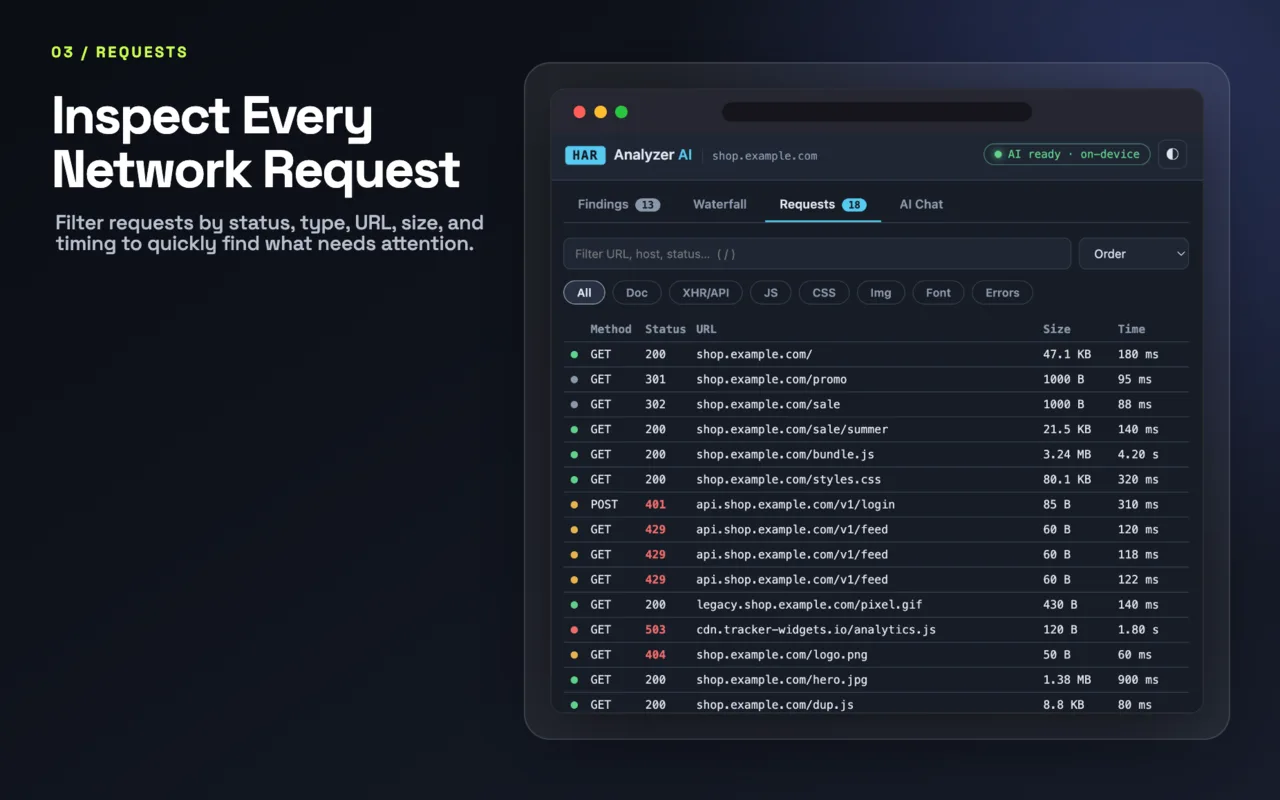
Investigate the requests responsible for the problem.
What would normally require manually inspecting a large JSON file becomes a focused debugging workflow.
👨💻 Built for Developers
HAR Analyzer AI is designed for people who work with web applications and network debugging.
It's particularly useful for:
Frontend Developers
Backend Developers
Full-Stack Developers
DevOps Engineers
QA Engineers
Performance Engineers
Web Developers
Security Researchers
Technical Support Engineers
Students learning web networking
🛡️ Performance + Reliability + Security
A HAR capture contains much more than a list of URLs.
It can reveal:
Where requests are failing
Which requests are taking too long
Where redirects are occurring
Which resources are unnecessarily large
Potential caching problems
Duplicate downloads
DNS-related delays
Rate limiting
Third-party network weight
Mixed-content issues
Connection contention
HAR Analyzer AI brings these signals together into one analysis instead of forcing you to inspect each request manually.
🚀 Why I Built It
HAR files are incredibly useful when debugging real-world web applications, but raw HAR data can be difficult to interpret.
HAR Analyzer AI was built to answer a simple question:
What can we learn from this network capture without sending it somewhere else?
The result is a local-first debugging tool that combines deterministic network analysis with on-device AI.
🔐 Local-First AI
The project explores a practical approach to AI-assisted developer tooling:
Analyze locally → Detect issues → Explain locally → Protect sensitive data
Instead of treating AI as a reason to send developer data to the cloud, HAR Analyzer AI uses the capabilities available directly in the browser whenever possible.
📦 Project Details
Platform: Google Chrome
Category: Developer Tools
Version: 1.7.1
AI: Gemini Nano / On-device AI
Analysis: Local deterministic engine
Input: HAR files exported from browser DevTools
Privacy: No HAR upload to a remote analysis server
🌐 Get HAR Analyzer AI
Install HAR Analyzer AI from the Chrome Web Store and turn your raw network captures into understandable, actionable debugging insights.