 devesh
Stop googling the same things every day
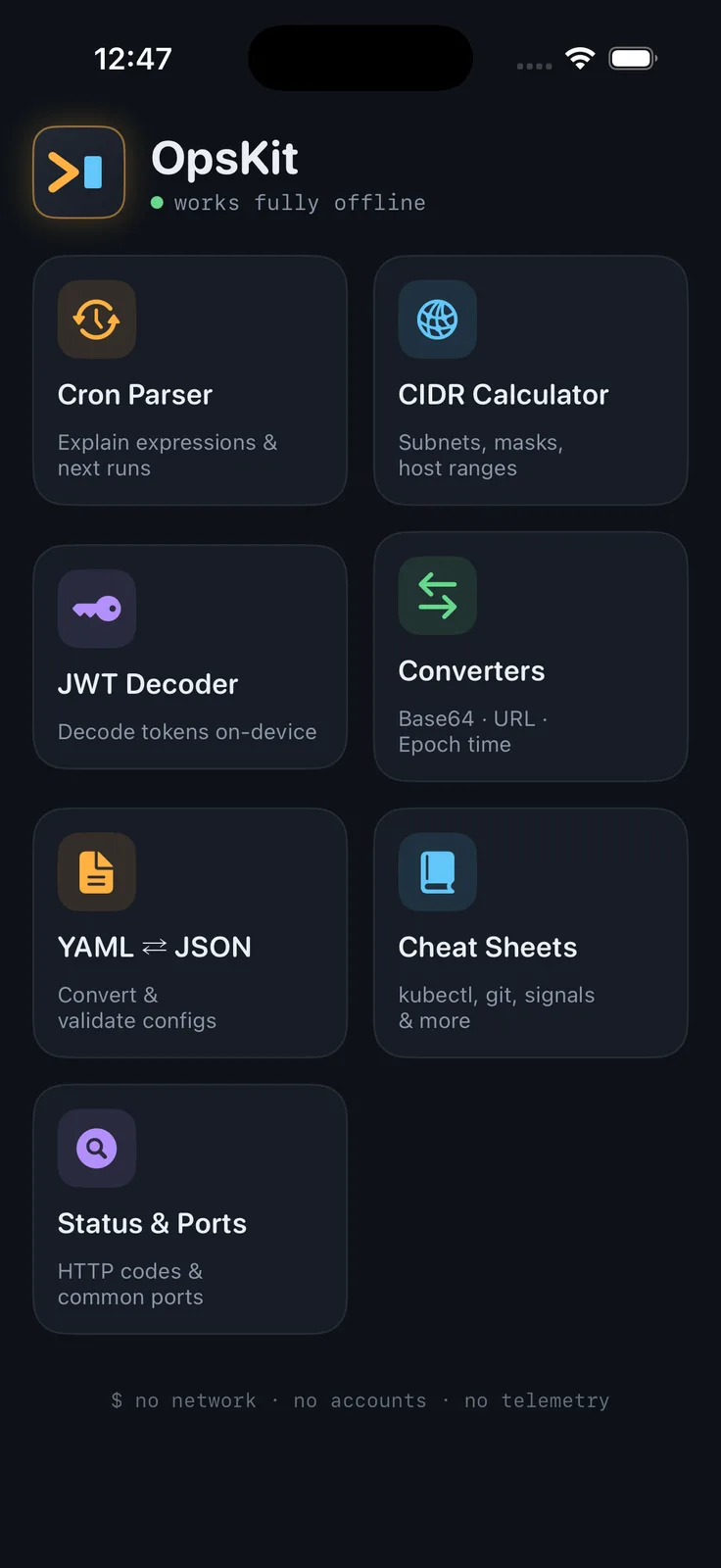
OpsKit puts the tools DevOps and SRE engineers actually reach for into one fast, native iOS app — and every single one works fully offline. No account, no ads, no telemetry. Nothing you type ever leaves your device.
🕐 Cron Parser & Builder
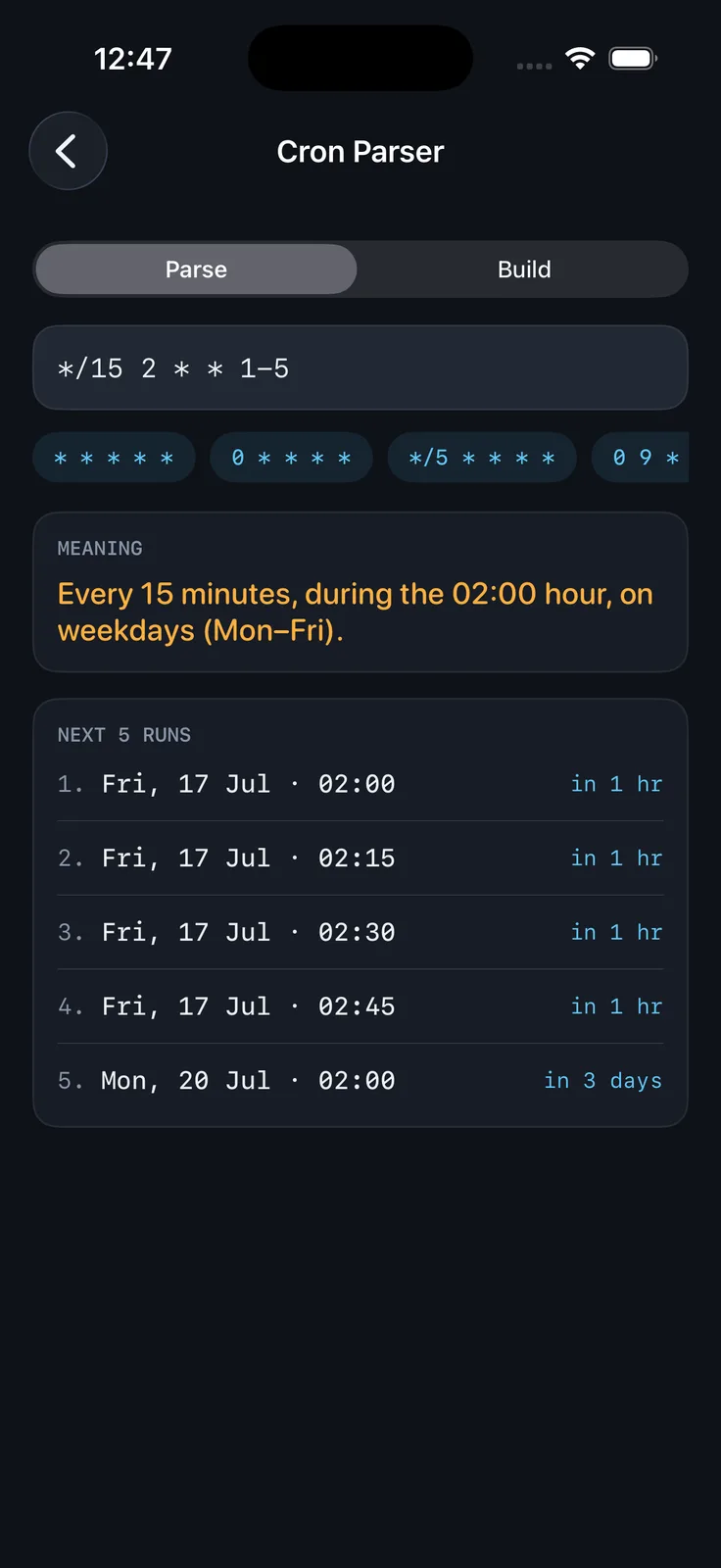
Type any expression and instantly see what it means in plain English, plus the next 5 run times.
*/15 2 * * 1-5
→ Every 15 minutes, during the 02:00 hour, on weekdays (Mon–Fri)
Supports steps, ranges, lists, day/month names, and @daily-style macros. Builder mode generates expressions from simple pickers.
🌐 CIDR Calculator
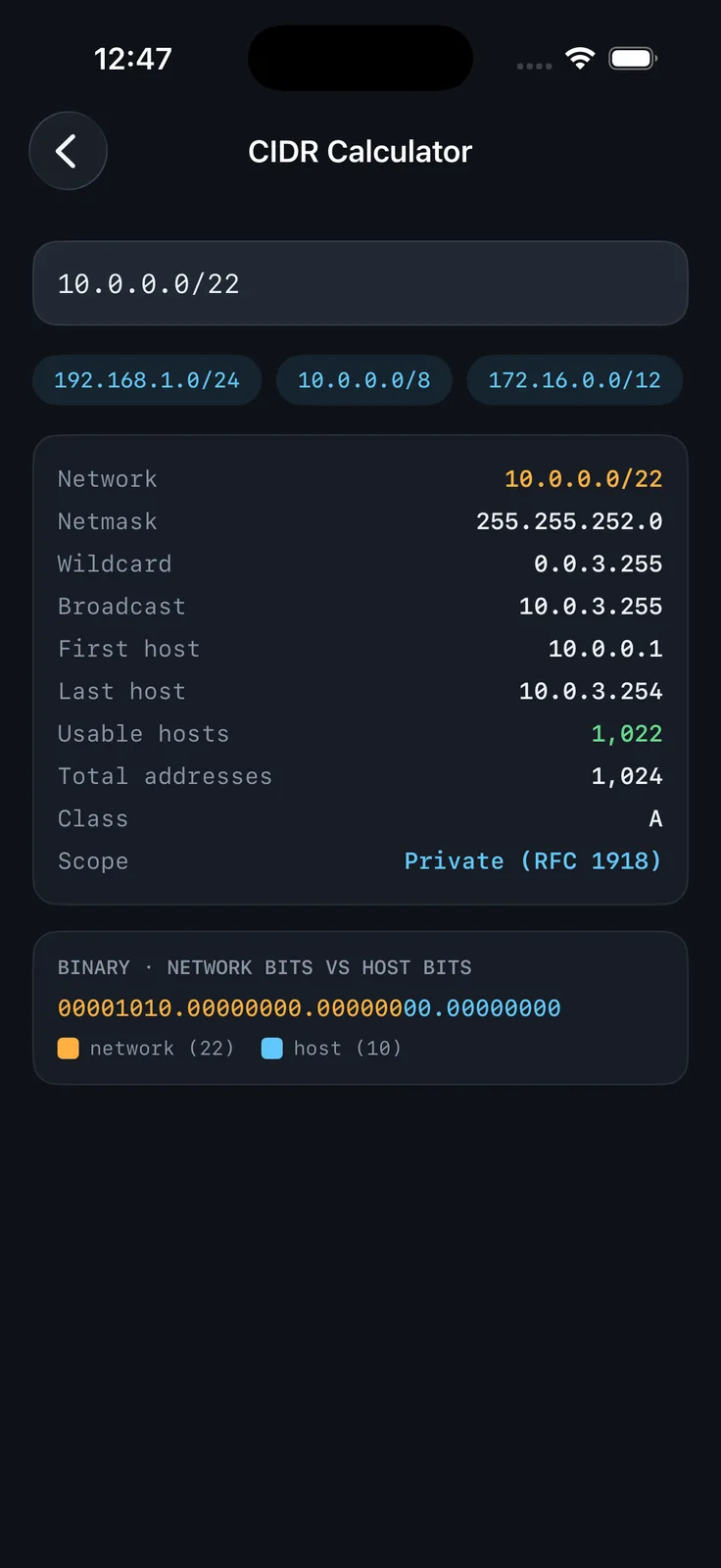
Enter 10.0.0.0/22 and get netmask, broadcast, host range, and usable host count — with a color-coded binary view showing exactly where network bits end and host bits begin. Handles /31 and /32 edge cases correctly.
🔑 JWT Decoder
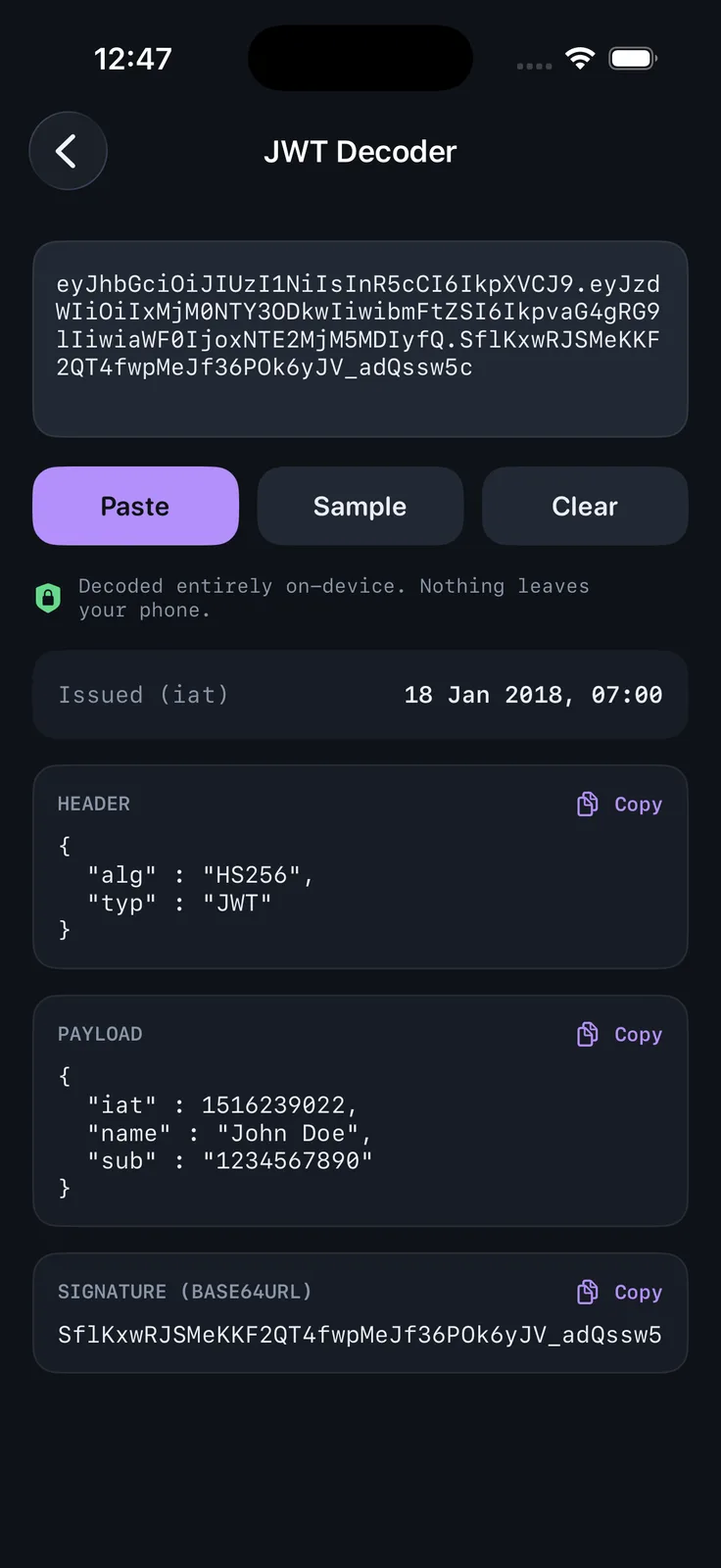
Paste a token, see header and payload decoded with expiry highlighted in red or green. Decoded entirely on-device — unlike sketchy web decoders, your tokens never touch a server.
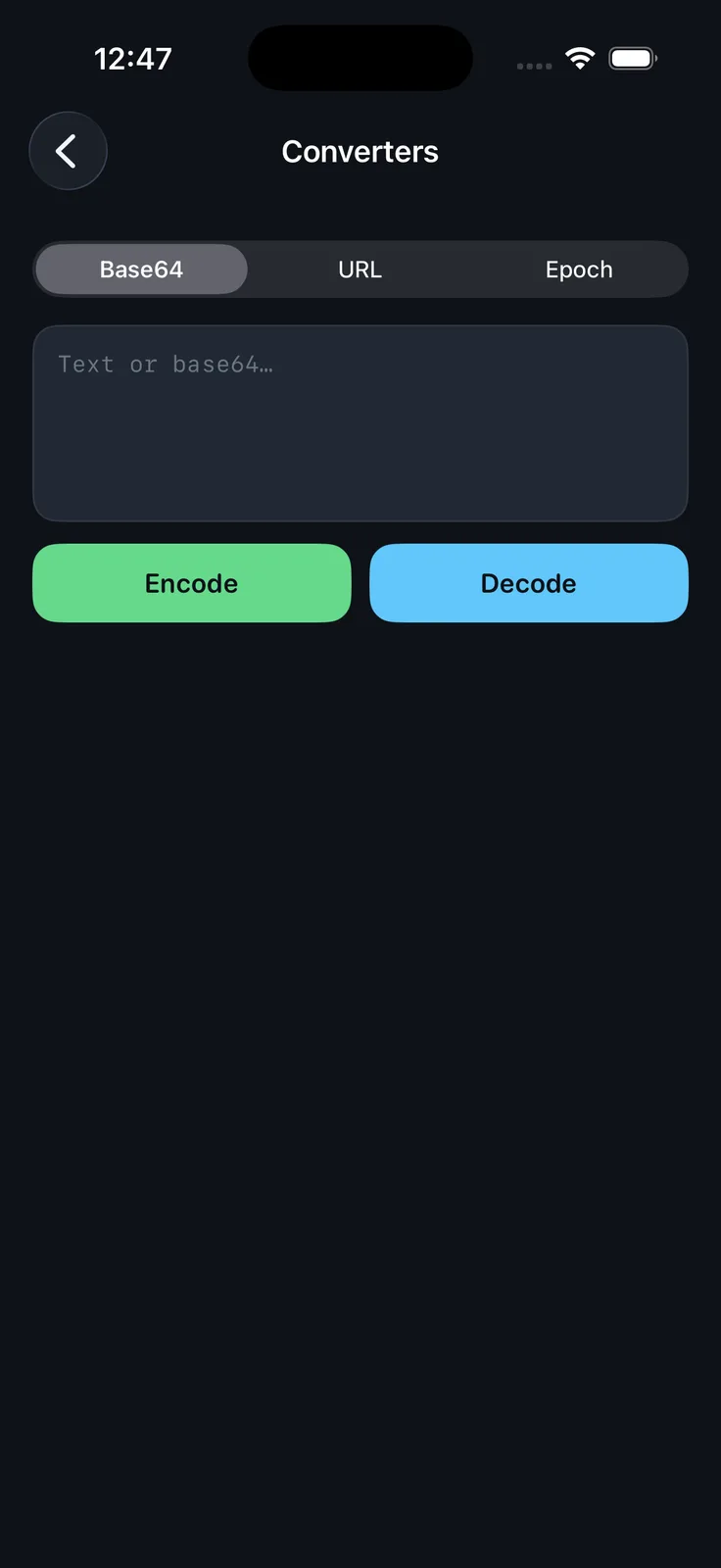
🔄 Converters
- Base64 encode/decode (including base64url)
- URL percent-encoding
- Epoch ⇄ human date with timezone picker, ms auto-detection, ISO 8601
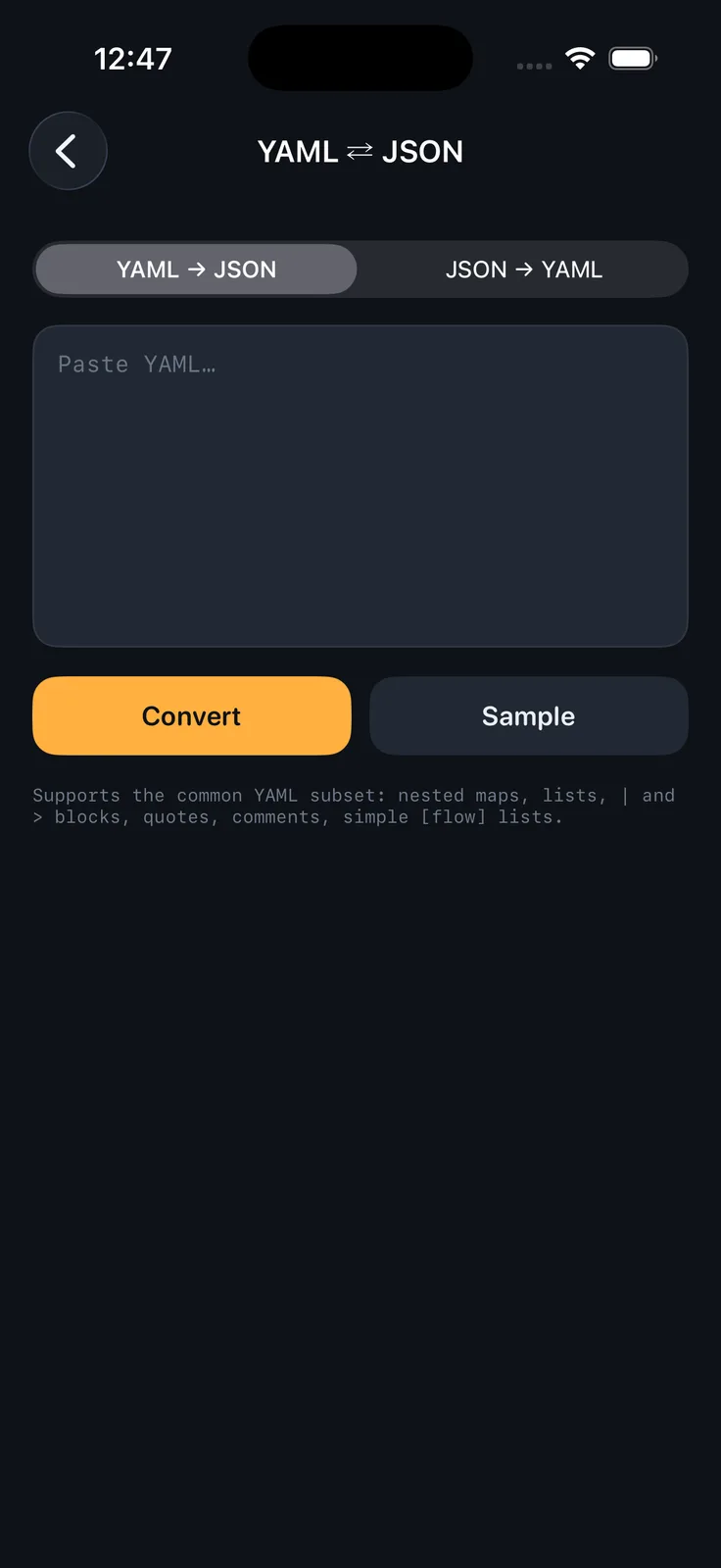
📄 YAML ⇄ JSON
Convert configs in both directions on your phone. Kubernetes sample included.
📚 Cheat Sheets
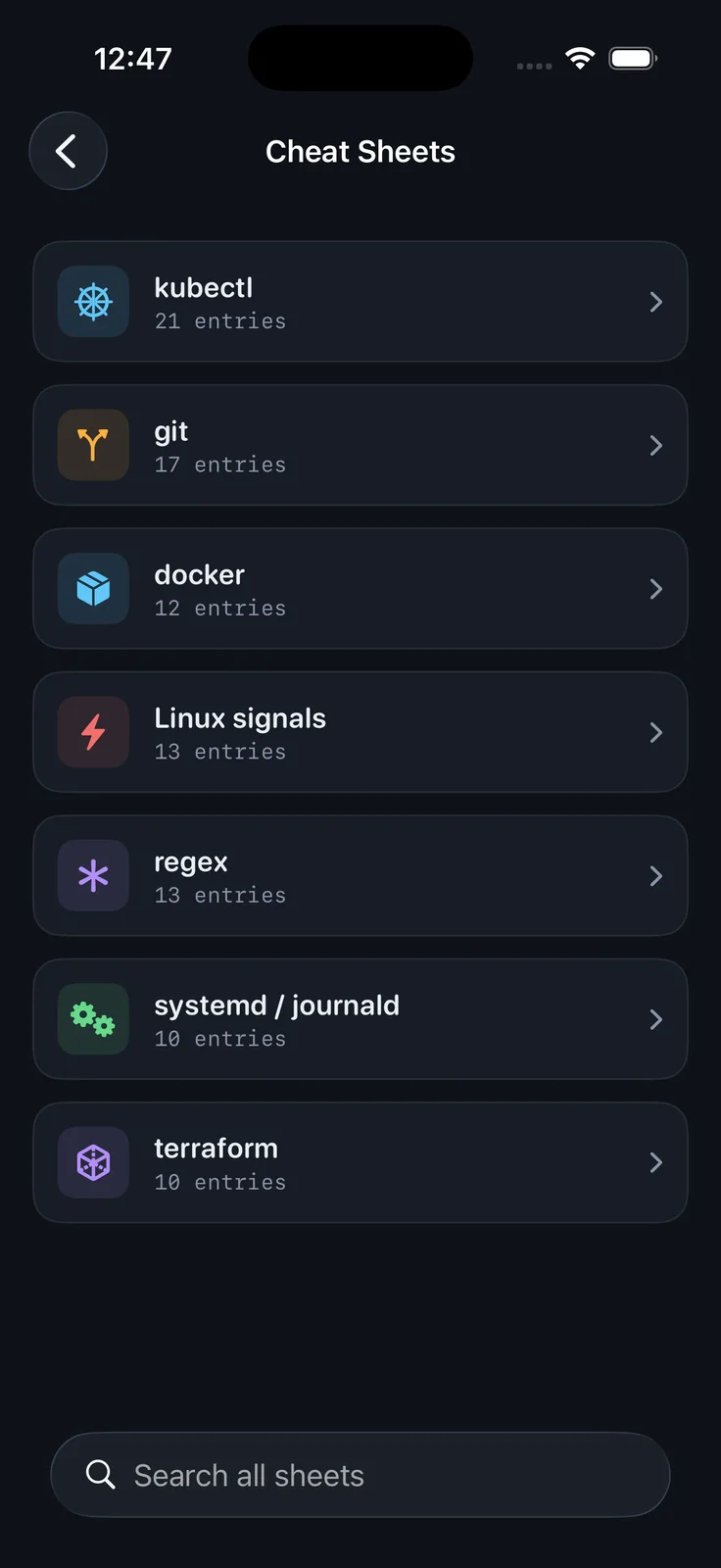
Searchable offline references: kubectl, git, docker, Linux signals (yes, including what exit code 137 means), regex, systemd, and terraform. Tap any command to copy.
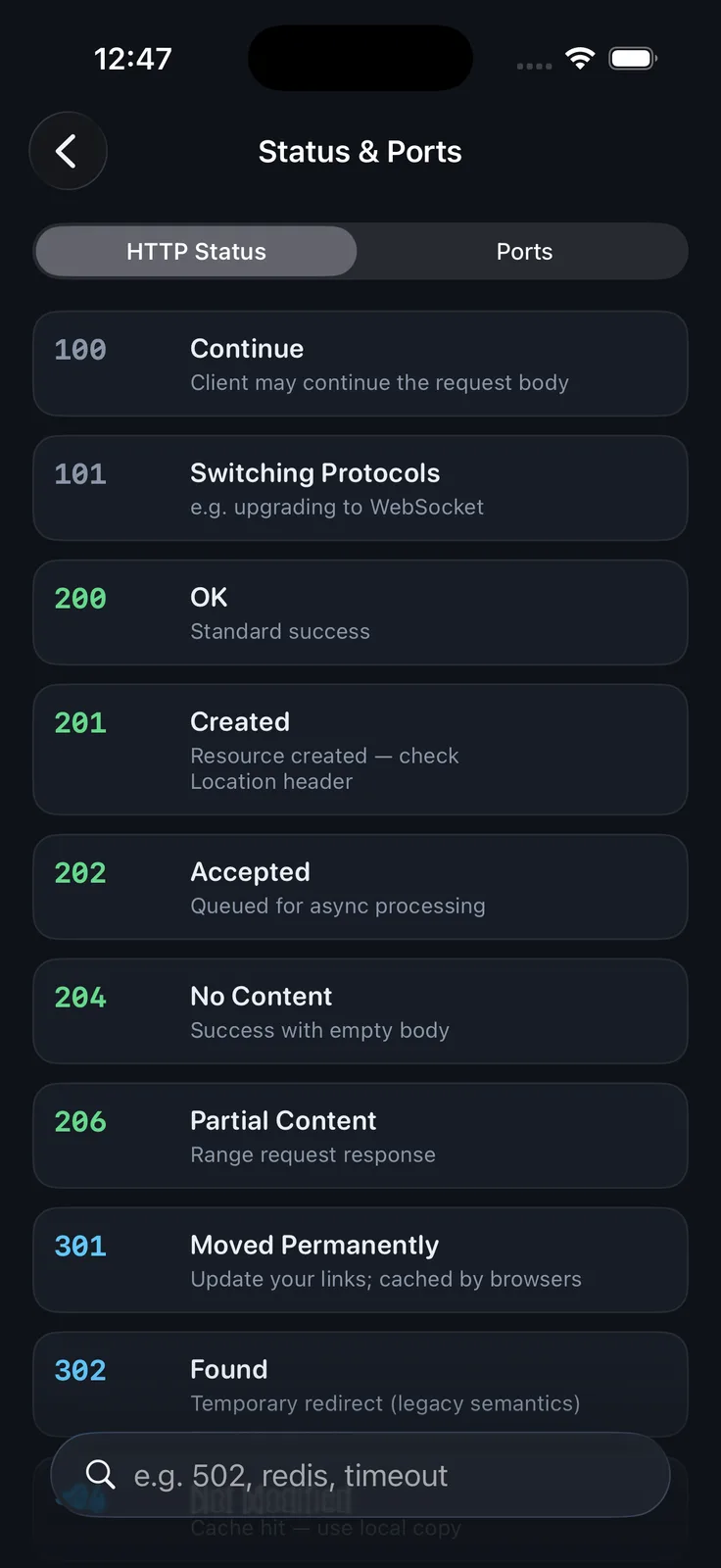
🔍 Status Codes & Ports
Type 502 or redis — instant answer. HTTP codes color-coded by class, 45+ common ports.
Why OpsKit
- Works on the subway, in a data center, on a plane
- No sign-up, no ads, no tracking — privacy label: Data Not Collected
- Native SwiftUI, built for dark mode, fast everywhere
If it saves you one context switch during an incident, it's done its job.
Stack
- Language: Swift 5
- UI: 100% SwiftUI (iOS 16+), custom dark theme, animated splash with code-drawn logo
- Dependencies: Zero — no packages, no backend, no SDKs
- Engines built from scratch: cron parser + next-run scheduler, subnet math, base64url/JWT decoding, minimal YAML parser & serializer
- Privacy: all processing on-device; no network calls anywhere in the app